How to Register on the Mouwasat App
Registering on the Mouwasat app is quick and easy! Just follow these simple steps:
Step 1:
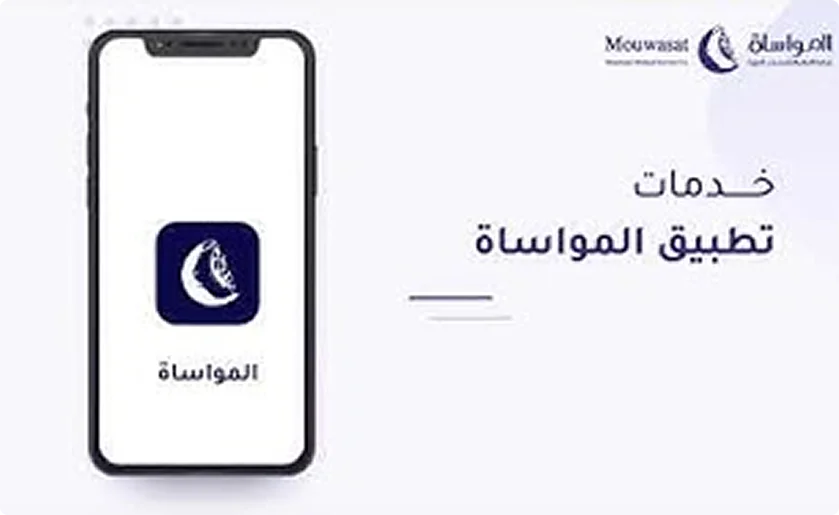
- Download the Mouwasat App from your mobile app store.
Step 2:
- If you already have a medical file at the hospital, you can skip directly to Step 5.
- If you don’t have a file yet, tap Open a New File, then select Open File.
Step 3:
- Select your nationality (Saudi or Non-Saudi).
- Enter your ID or Iqama number, along with your email address, date of birth, marital status, and religion.
- Once done, tap Submit Request.
Step 4:
- Wait a few moments until you receive a confirmation email that your file has been created.
Step 5:
After your file is confirmed—or if you already have one—go to Register New User:
- Enter the required details, such as ID number and email address, then create a password and confirm it by re-entering it.
- Agree to the Terms and Conditions, then verify your mobile number through the OTP code sent to your registered phone number.
- Once the verification is complete, your account will be successfully activated.
Congratulations!
You can now log in to your account using your ID or Iqama number along with your password. Keep your login details safe and enjoy seamless access to all Mouwasat App services anytime, anywhere.
Download the app now